







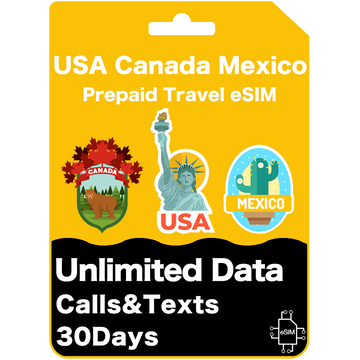
Unlimited Data
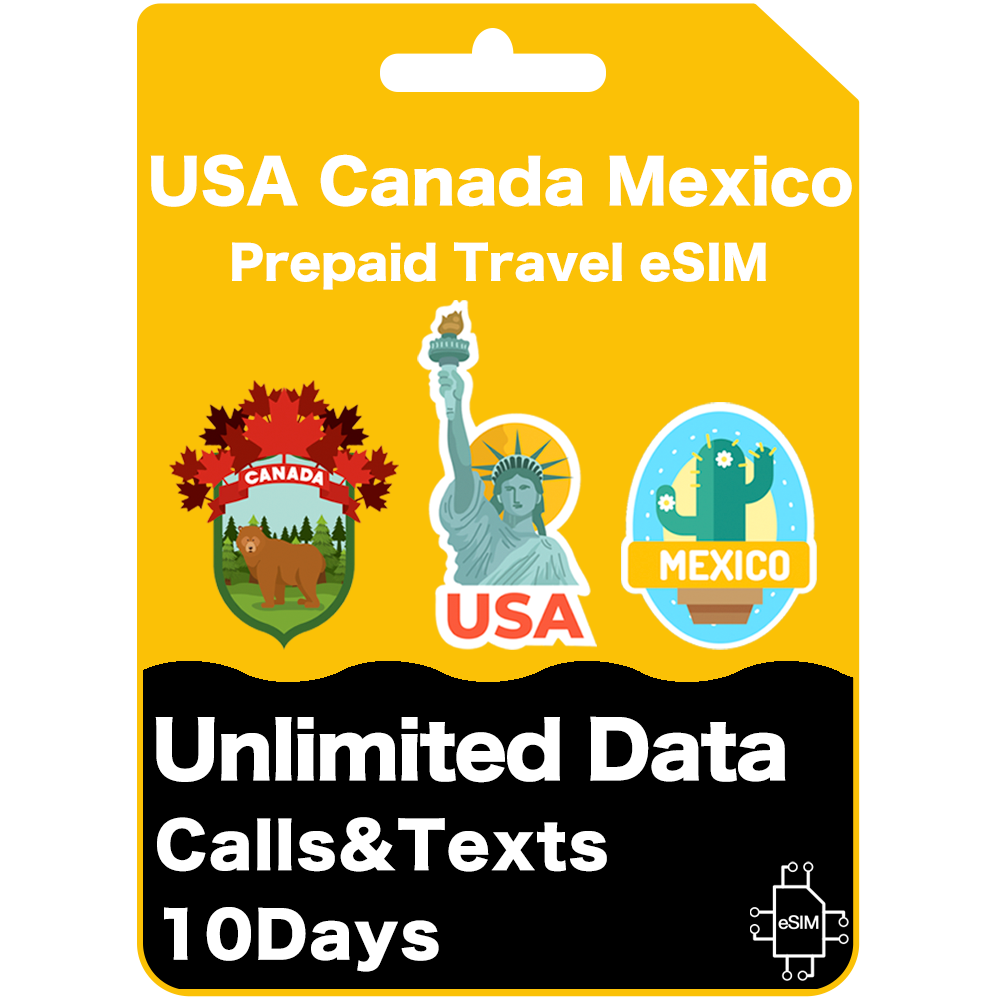
USA, Canada & Mexico
USA [AT&T] — All 50 states including Hawaii, Alaska & Puerto Rico
Canada [Rogers / Bell / Telus]
Mexico [AT&T Mexico]
📖 User Manual
📱Install Your eSIM
After you have landed, please connect to a stable Wi-Fi network and install the eSIM first.
🔧 Activate Your eSIM
Set eSIM as primary data source.
Simple, fast, and ready for your travels!
💡Please note steps may vary for difference devices.
If your cell phone is not compatible, you can choose our roaming card products. Click Here
USA, Canada & Mexico
USA [AT&T] — All 50 states including Hawaii, Alaska & Puerto Rico
Canada [Rogers / Bell / Telus]
Mexico [AT&T Mexico]
📖 User Manual
📱Install Your eSIM
After you have landed, please connect to a stable Wi-Fi network and install the eSIM first.
🔧 Activate Your eSIM
Set eSIM as primary data source.
Simple, fast, and ready for your travels!
💡Please note steps may vary for difference devices.
If your cell phone is not compatible, you can choose our roaming card products. Click Here
Select the plan that suits your travel needs
Check your email. Follow the simple steps to install your eSIM
Turn on Data Roaming! Your eSIM activates automatically upon local network connection
The device list below serves as a guide only. To check your device, dial *#06#. If an EID appears, eSIM is supported.
Note: iPhones from mainland China, as well as iPhone devices from Hong Kong and Macao, do not support eSIM, except for the iPhone 13 mini, iPhone 12 mini, iPhone SE (2020), and iPhone XS.
iPhone 14 and later models sold in the USA do not have a physical SIM tray (eSIM only). iPhone 17 Air is Apple's first globally eSIM-only iPhone.
You can find out if your iPhone is locked by going to Settings > General > About. If "No SIM restrictions" appears next to Network Provider Lock/Carrier Lock, your iPhone is unlocked.
Note: Apple Watch requires a cellular (GPS + Cellular) model to use eSIM. GPS-only models do not support eSIM.
*The following Samsung phones do not support eSIM:
Samsung S20/S21 FE Series
Samsung Note 20 Ultra and Samsung Galaxy Z Fold 2 originated from Hong Kong
Samsung devices originating from the USA and Canada (except S24 series and newer)
For Samsung S21 series (excluding FE models) in Canada and the USA, if you have the One UI 4 update, it may add eSIM capability to your device.
Most of the following brands or models run on the Android operating system, though there are a few exceptions such as the Microsoft Surface Duo. Please check the official specifications to confirm eSIM functionality.
You'll have unlimited data across the USA and Mexico—including Hawaii, Alaska, and Puerto Rico—on the AT&T network, known for its strong 4G and 5G coverage. In Canada, you can use up to 25GB of roaming data while connected to Rogers or Telus.
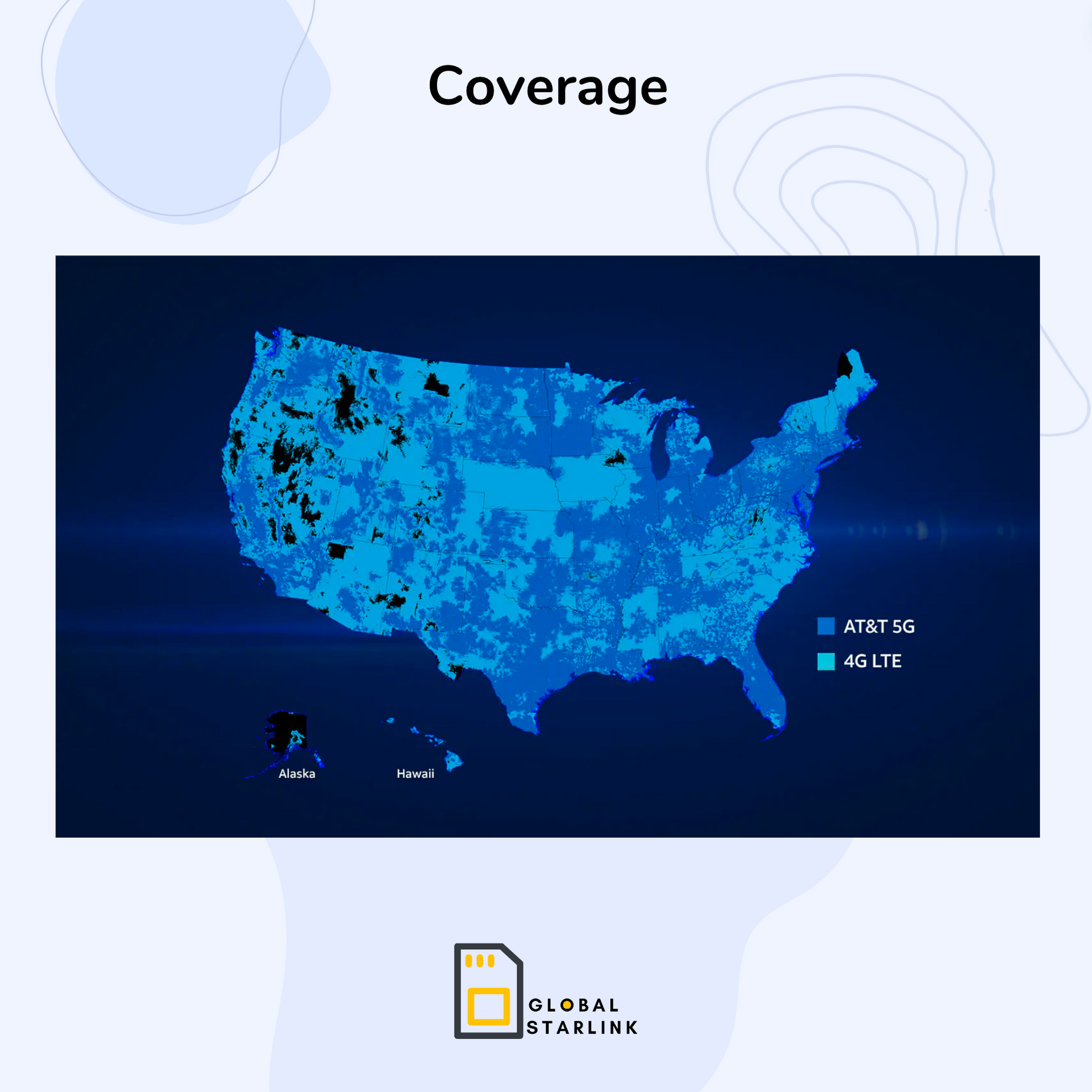
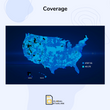
AT&T offers high-speed 4G and 5G in most areas across the USA, including Hawaii. Speeds may vary depending on location and coverage. You can check AT&T coverage map here.
Dial *#06# – if you see a 32-digit EID, your phone supports eSIM.
Check your device's compatibility with the AT&T network using this tool.
Important: AT&T can be strict with overseas models. Please check compatibility to avoid issues. Phones from mainland China (e.g. Huawei, Oppo, Vivo, Xiaomi) may not work with this network.
Yes – a local US phone number will be assigned when your eSIM activates. You can find it in your phone settings, or by dialling #611# once active. You may also receive your number via SMS after activation.
The phone number is only generated once the eSIM activates. If you’d like to retrieve your number earlier, you can choose to activate the eSIM a day or two before your arrival. Just keep in mind that this will also start your service period from the moment it’s activated.
No – cruise ships rely on satellite networks, which aren't supported by this eSIM. However, once you're near a port with mobile towers, your eSIM will reconnect and work as normal.
This eSIM is designed primarily for smartphones. While some tablets support eSIM, we cannot guarantee compatibility on all non-phone devices.
Our support team is available daily via live chat and email at hello@globalstarlink.com.au. We're happy to assist you with any questions.